GDPR Tips for Order Forms: A Practical Compliance Checklist
Order forms collect personal data. These GDPR tips help you collect only what you need, explain why, and keep customer trust.
If your business takes orders online, by email, or on paper, you are almost certainly processing personal data under GDPR and UK GDPR. That does not mean your product order form needs a wall of legal text, but it does mean you should design forms, workflows, and vendor choices with privacy in mind from day one.
This guide focuses on practical steps teams use before launching a wholesale order form, a school fundraiser form, or any template from our product order forms category. It is not legal advice. When in doubt, speak with a qualified privacy lawyer in your jurisdiction.
Why order forms are in scope
GDPR applies when you process personal data about identifiable individuals in the EU or UK. An order form typically captures:
- Identity and contact details (name, email, phone)
- Delivery or billing addresses
- Order line items (which can indirectly identify someone, especially with custom text)
- Payment references (often handled by Stripe, PayPal, or similar)
- Optional marketing preferences
Even if you never mention “GDPR” on the form, regulators expect transparency, purpose limitation, data minimization, accuracy, storage limitation, integrity and confidentiality, and accountability.
Start with data minimization
The fastest compliance win is to collect only what you need to fulfill the order and meet legal obligations.
Field audit checklist
| Field | Do you need it at order time? | If yes, document why |
|---|---|---|
| Full name | Usually yes | Fulfillment, support |
| Usually yes | Confirmations, delivery updates | |
| Phone | Sometimes | Courier contact, urgent issues |
| Date of birth | Rarely for goods | Only if legally required |
| Company VAT number | B2B only | Invoicing, tax |
| Marketing opt-in | Optional | Separate from checkout |
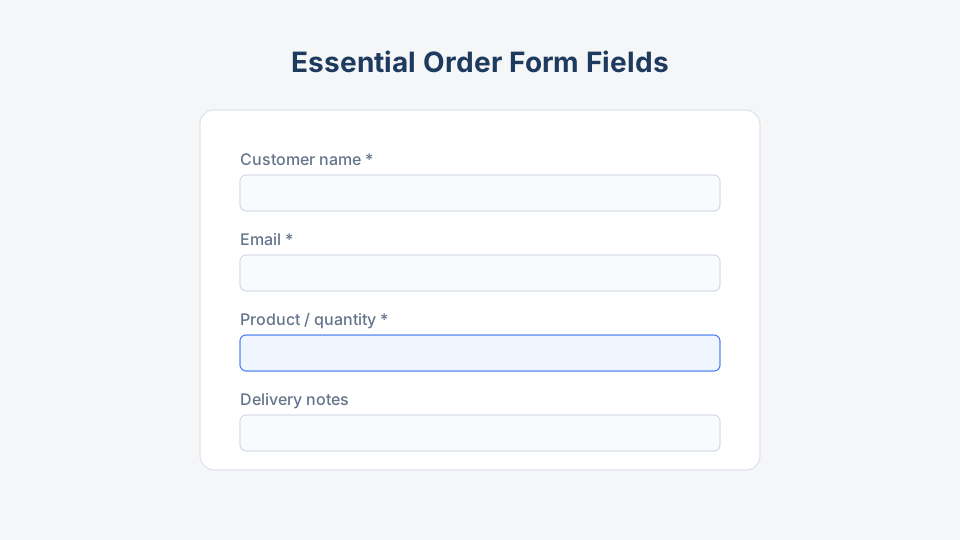
Compare your live form with a baseline like our essential fields guide. Remove “nice to have” fields that create risk without revenue.
Choose a lawful basis (and say so)
For most product orders, processing is justified because it is necessary to perform a contract (or to take steps at the customer’s request before a contract). Marketing emails need a different basis, typically consent in many EU contexts.
Do:
- Use required fields only for the transaction.
- Add an unchecked marketing checkbox with plain language.
- Link to your privacy policy near the submit button.
Do not:
- Force marketing consent to complete a purchase.
- Hide data uses in terms nobody reads.
- Reuse order emails for unrelated campaigns without a proper basis.
Write a clear privacy notice
Your privacy notice (often linked from the form footer) should answer real customer questions in plain language:
- Who is the data controller (your company name and contact).
- What you collect through the order form.
- Why you use each category of data.
- Legal basis for each purpose.
- How long you keep order records.
- Who receives data (payment gateway, email platform, fulfillment, accountants).
- Rights (access, rectification, erasure, restriction, portability, objection) and how to contact you.
- Complaints (supervisory authority reference for EU/UK users).
For B2B flows, align the notice with your purchase order process and invoice retention rules.
Consent, cookies, and tracking
Order forms embedded on websites often share pages with analytics, chat widgets, and ad pixels.
- Essential cookies (session, cart) may not need consent in many setups, but document them.
- Analytics and ads usually need consent in the EU before non-essential scripts fire.
- If you use reCAPTCHA or similar bot protection, mention it in your privacy notice.
Test the form in a fresh browser session to see what loads before submit. Our step-by-step setup guide includes a pre-launch testing section you can extend with a privacy review.
Security and vendors
You are responsible for personal data even when a form builder hosts the submission.
| Control | What to verify |
|---|---|
| HTTPS | Entire form and thank-you pages use TLS |
| Access | Role-based access inside your team |
| Subprocessors | Vendor list in DPA matches reality |
| Breach process | Know how to report within 72 hours if required |
| Backups | Encrypted, limited retention |
Sign a Data Processing Agreement with vendors that process data on your behalf. Confirm where data is stored (EU, UK, US) and whether Standard Contractual Clauses or UK IDTA apply.
Retention and deletion
Define retention in writing:
- Active orders: life of fulfillment plus support window.
- Accounting: often 6 to 10 years depending on tax law.
- Marketing lists: until consent withdrawn or inactivity policy triggers deletion.
When someone requests erasure, check whether you must keep invoice or tax records. You may delete marketing profile data while retaining minimal transaction history.
Data subject requests (DSARs)
Prepare a lightweight process:
- Verify the requester’s identity proportionally.
- Search form submissions, CRM, email, and accounting exports.
- Respond within one month (extensions possible for complex cases).
- Log what you disclosed, corrected, or deleted.
Export features in online form tools vary. If you also use printable order forms, store paper securely and include them in search procedures.
International orders and children
- Cross-border sales: If you ship globally, still apply GDPR standards to EU/UK buyers. Uniform practices reduce mistakes.
- Children: If you sell to minors (school apparel, club gear), consider parental involvement and whether your product triggers stricter rules in some countries.
Templates like school spirit wear order forms should avoid collecting student data you do not need (for example, full date of birth when grade and homeroom suffice).
Printable and offline forms
Teams using PDF or Word downloads from Order Form Templates must treat paper and scanned copies as personal data:
- Lock physical storage.
- Shred when retention ends.
- Limit who can photograph or forward submissions.
Offline does not mean “outside GDPR.”
Pre-launch GDPR checklist
Use this before you publish any new order form:
- Field list reviewed; optional fields marked optional
- Privacy policy updated and linked on the form
- Lawful basis documented internally
- Marketing checkbox separate and off by default
- Vendor DPA signed; subprocessor list reviewed
- Retention schedule documented
- DSAR contact email monitored
- HTTPS and access controls confirmed
- Cookie/consent banner tested on the host page
- Staff trained not to paste order exports into personal tools
How templates help
Starting from a proven structure on Order Form Templates speeds setup, but you still control what fields stay enabled, which integrations you connect, and what your privacy notice promises. Browse wholesale order forms and ecommerce product order forms examples, then trim fields to match your actual process.
Key takeaway
Training your team
Privacy breaks often come from staff workarounds: copying submissions into personal Gmail, screenshotting orders in group chats, or exporting CSVs to unencrypted USB drives.
Run a 15-minute onboarding that covers:
- Approved tools for order exports
- No sharing full spreadsheets in messaging apps
- How to redact data when forwarding examples to designers
Records of processing
Maintain a simple Record of Processing Activities row for “customer orders”: data categories, purposes, recipients, retention, and security measures. When you add a new integration (SMS notifications, label printing SaaS), update the record the same day.
GDPR-friendly order forms are focused, transparent, and secure. Collect less, explain more, keep data only as long as needed, and choose vendors you can document. That protects customers and reduces cleanup work when your order volume grows.