10 Best Order Form Tools Compared (2026)
We compared ten popular form builders for order-taking: features, pricing snapshots, and which fit product, food, and B2B workflows.
Choosing software is usually the slowest part of launching an order form. You want payments, notifications, and a layout customers understand on mobile. You do not want to rebuild the form every year because you hit submission caps.
We evaluated ten widely used form builders teams pair with templates on Order Form Templates. Screenshots show each vendor’s marketing homepage and pricing page as of May 2026. Plans change; always confirm live pricing before you buy.
Quick comparison table
| Tool | Best for | Payments | Notable strength | Watch-outs |
|---|---|---|---|---|
| forms.app | E-commerce like product listings | Yes (Stripe, PayPal) | Dedicated product listing field | Fewer enterprise features |
| Jotform | Extended payment integrations | Yes (Stripe, PayPal, more) | Huge template library | Branding limits on free |
| Typeform | Brand-led experiences | Yes (paid) | Conversational UI | Per-response pricing model |
| Google Forms | Free internal orders | No native card checkout | Free, familiar | Limited commerce logic |
| Microsoft Forms | Microsoft 365 shops | Via Power Automate | Office integration | Not a storefront |
| Wufoo | Simple paid forms | Yes | Reliable basics | Dated UI vs newer tools |
| Formstack | Regulated workflows | Yes | Security/compliance focus | Higher cost |
| Cognito Forms | Calculations and B2B | Yes | Strong calculated fields | Learning curve |
| 123FormBuilder | EU-friendly hosting | Yes | Our third provider link | Interface density |
| Paperform | Story-driven catalogs | Yes | One-page narrative layout | Premium pricing |
Offline option: For events and walk-up sales, pair any online tool with printable PDF and Word templates from our library.
1. forms.app
Best for: Listing multiple products in an easy and professional-looking way.
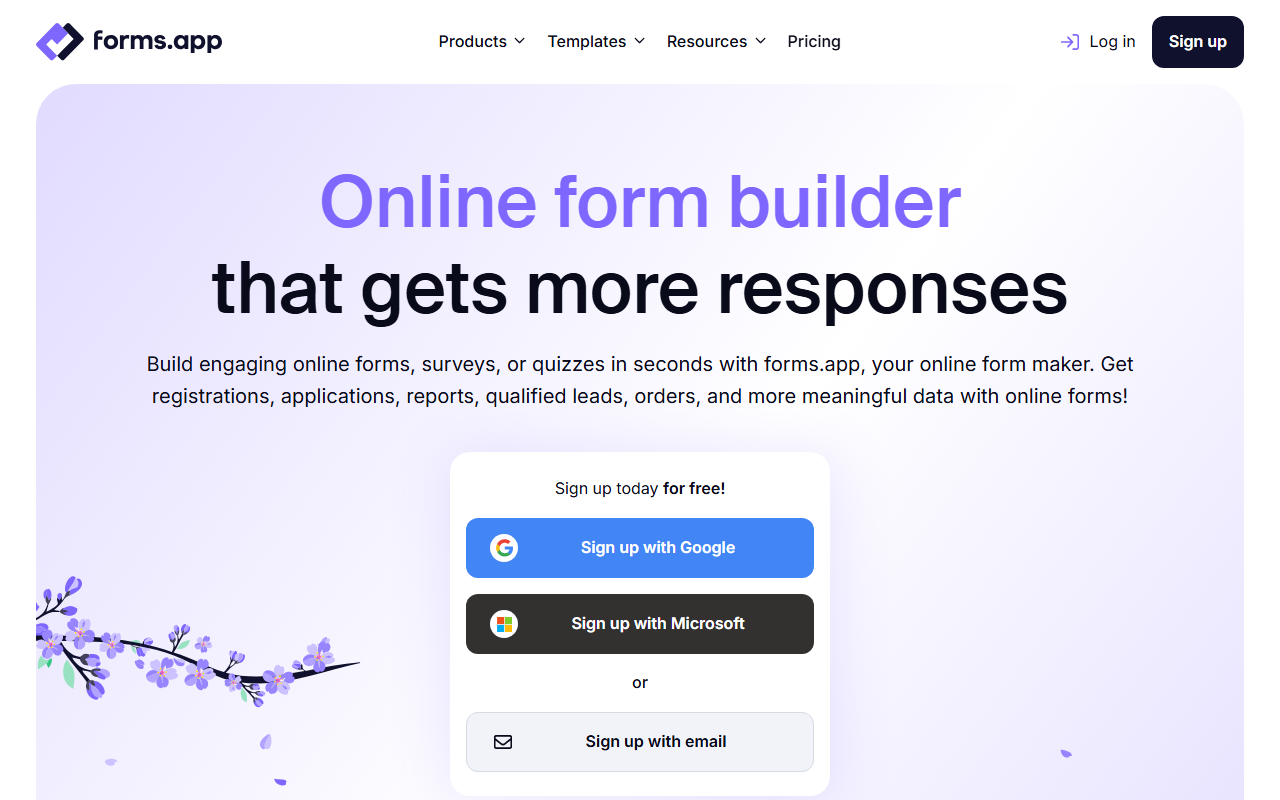
Figure: forms.app homepage (May 2026).
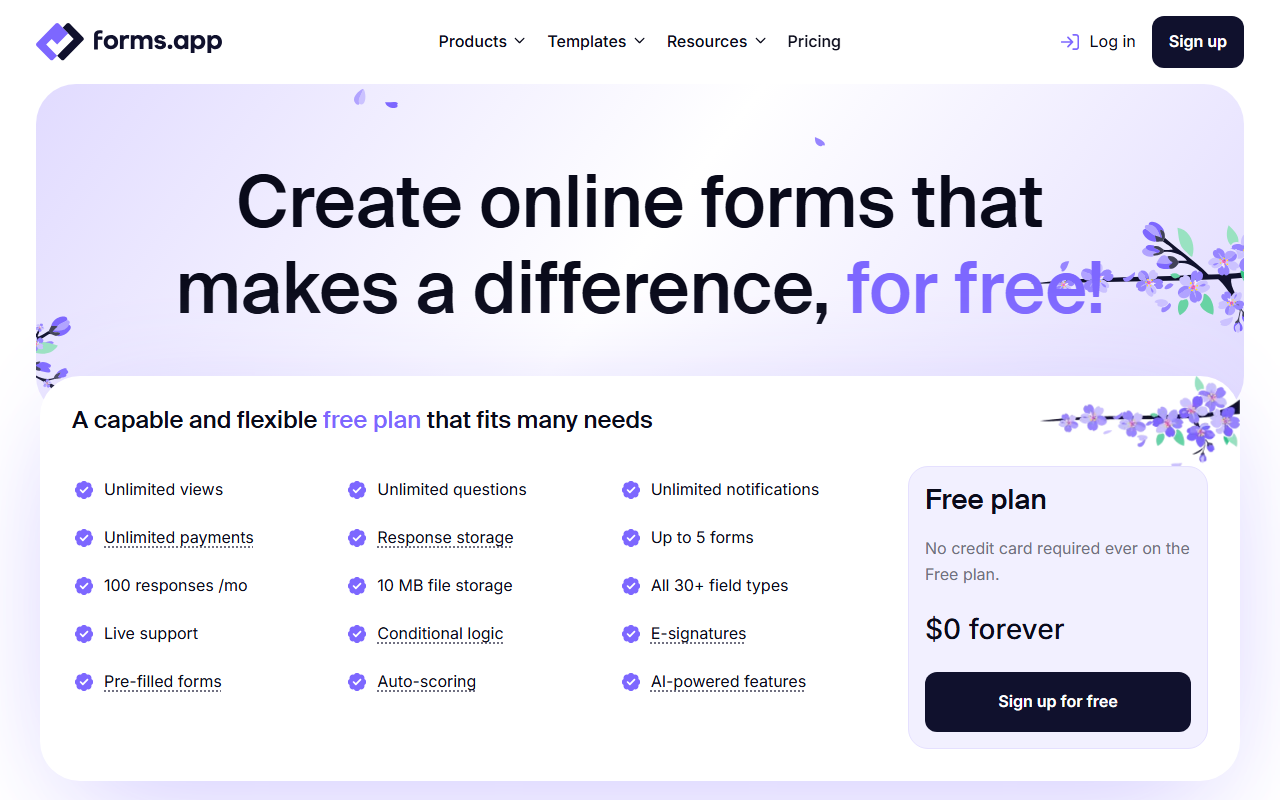
Figure: forms.app pricing page (May 2026).
Order form fit: Purpose-built order form templates category; Dedicated product listing and payment fields, nice UX, and no commission on payments.
Pros: Modern UI, reasonable paid tiers, unlimited payments and notifications.
Cons: Smaller integration marketplace than Jotform; enterprise procurement may prefer Formstack.
Typical use: Small businesses launching a food order form clone in one hour.
2. Jotform
Best for: Teams that want thousands of templates, payment gateways, and widgets (inventory, coupons) without coding.
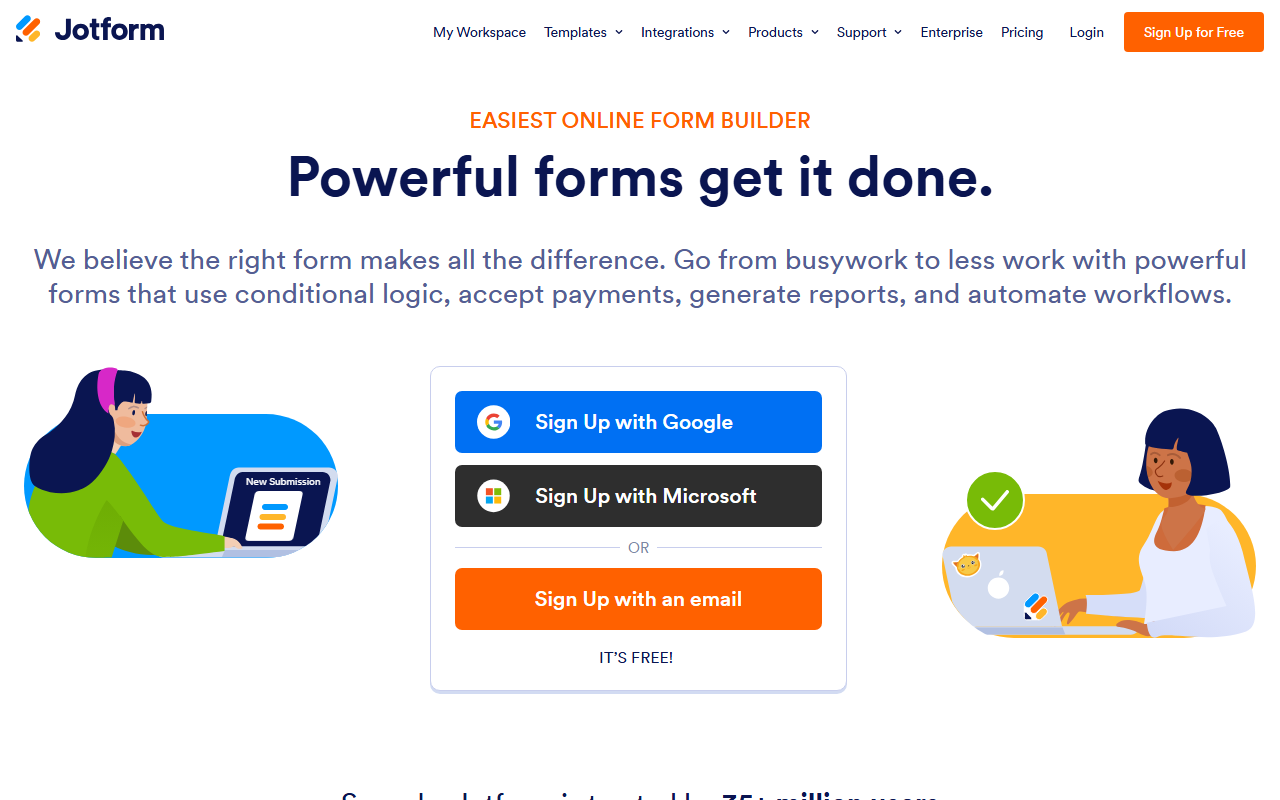
Figure: Jotform homepage (May 2026).
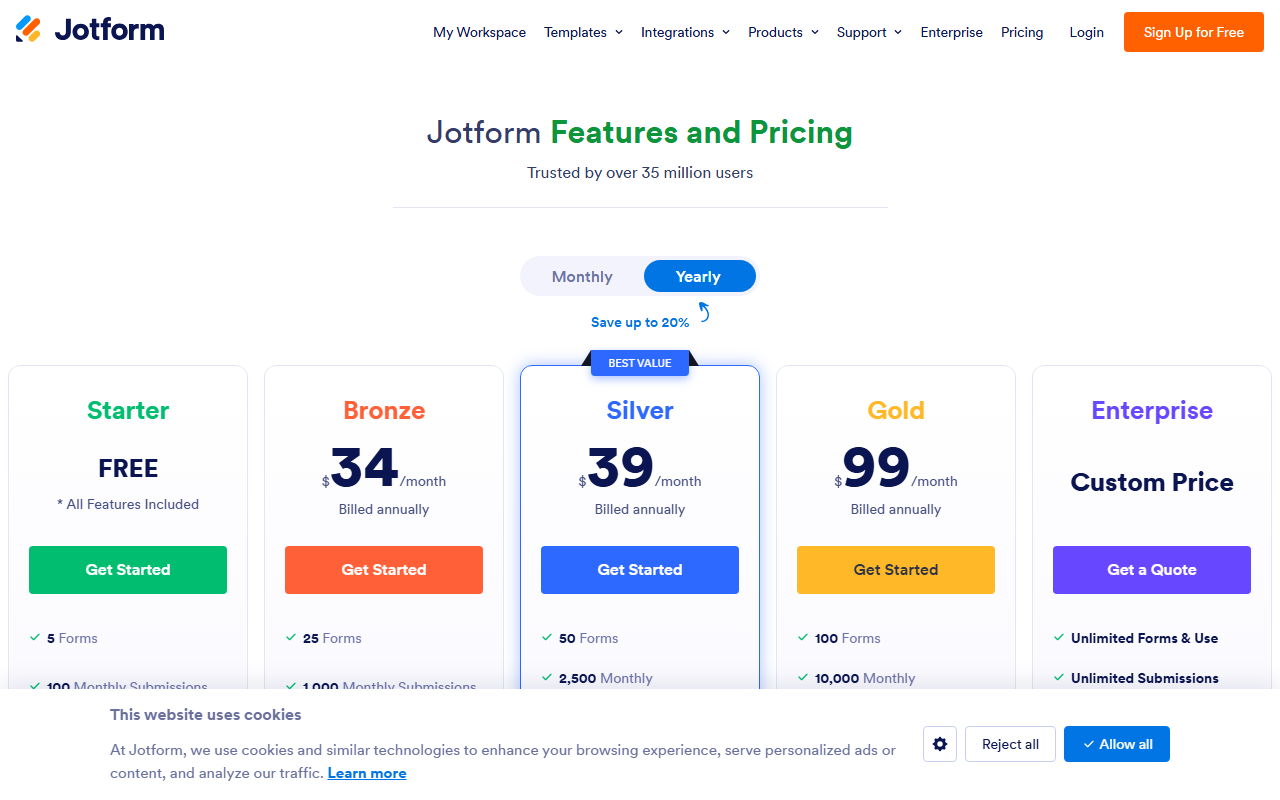
Figure: Jotform pricing page (May 2026).
Order form fit: Strong match for product order forms and apparel flows. Many of our template pages include a direct Jotform clone link.
Pros: Payment integrations, conditional logic, HIPAA-capable tiers, extensive integrations.
Cons: Jotform branding on lower tiers; advanced HIPAA and enterprise features cost more.
Typical use: School apparel drives, catering deposits, wholesale requests with file uploads.
3. Typeform
Best for: Brand-conscious businesses that want one-question-at-a-time flow and high completion rates on shorter orders.
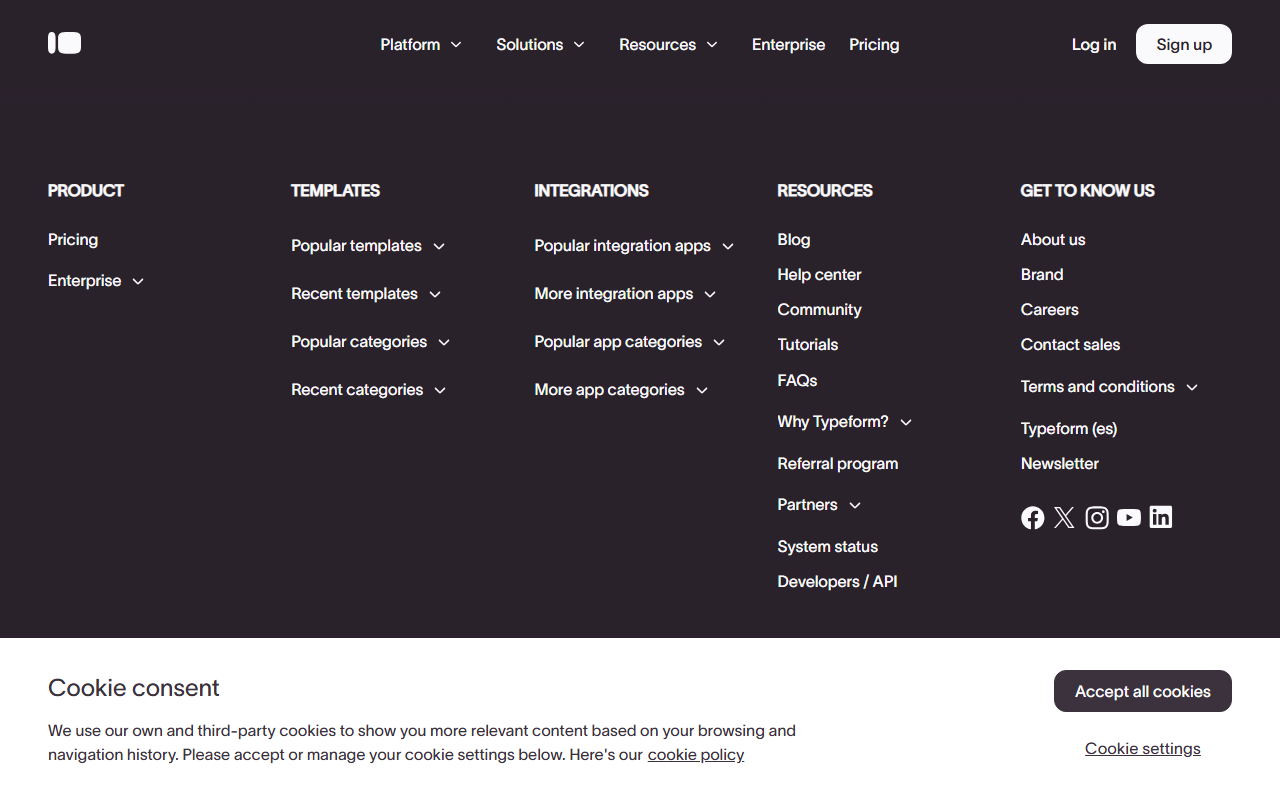
Figure: Typeform homepage (May 2026).
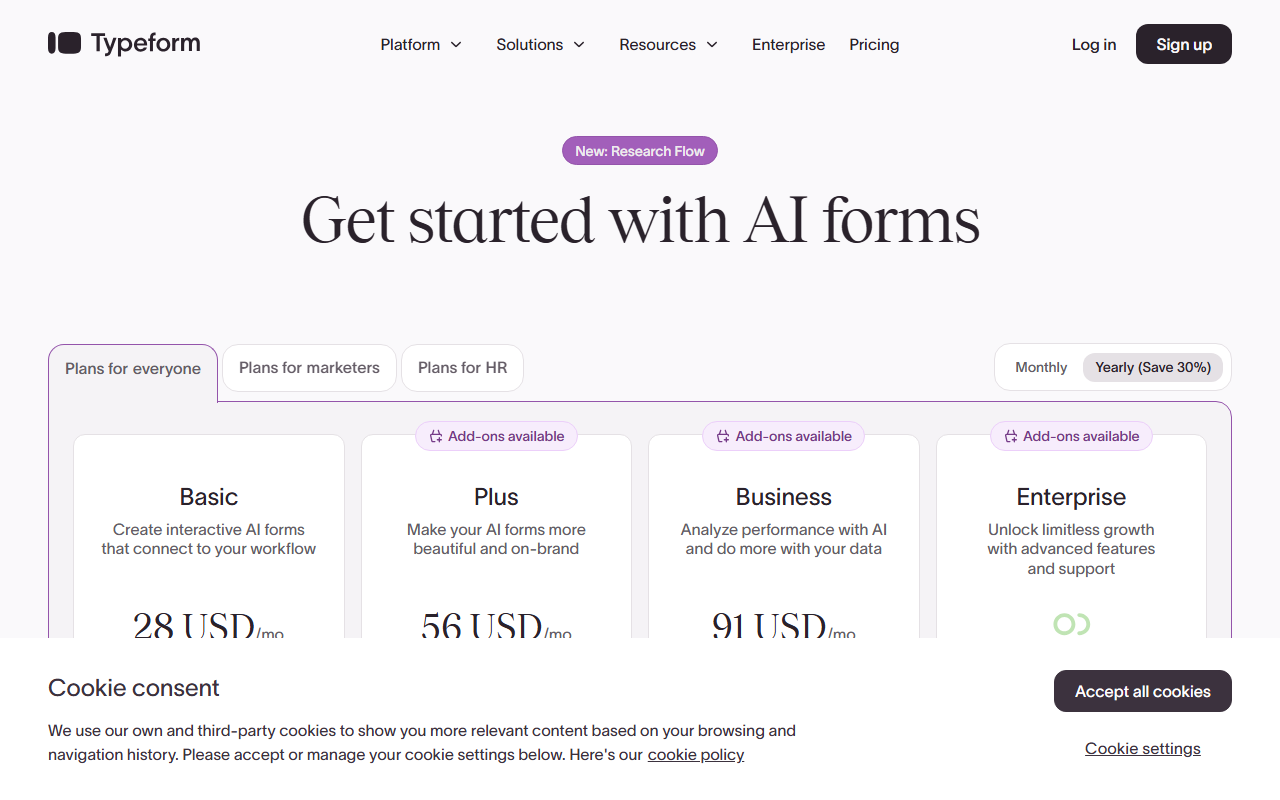
Figure: Typeform pricing page (May 2026).
Order form fit: Works when you sell a few hero products (meal kits, subscriptions) rather than fifty SKUs on one screen.
Pros: Beautiful UX, video and logic on higher tiers, embed options.
Cons: Costs scale with responses; wide catalogs feel awkward in strict conversational mode.
Typical use: Meal prep signup, boutique pre-orders with storytelling.
4. Google Forms
Best for: Free order intake when staff already live in Google Workspace and payments happen offline.
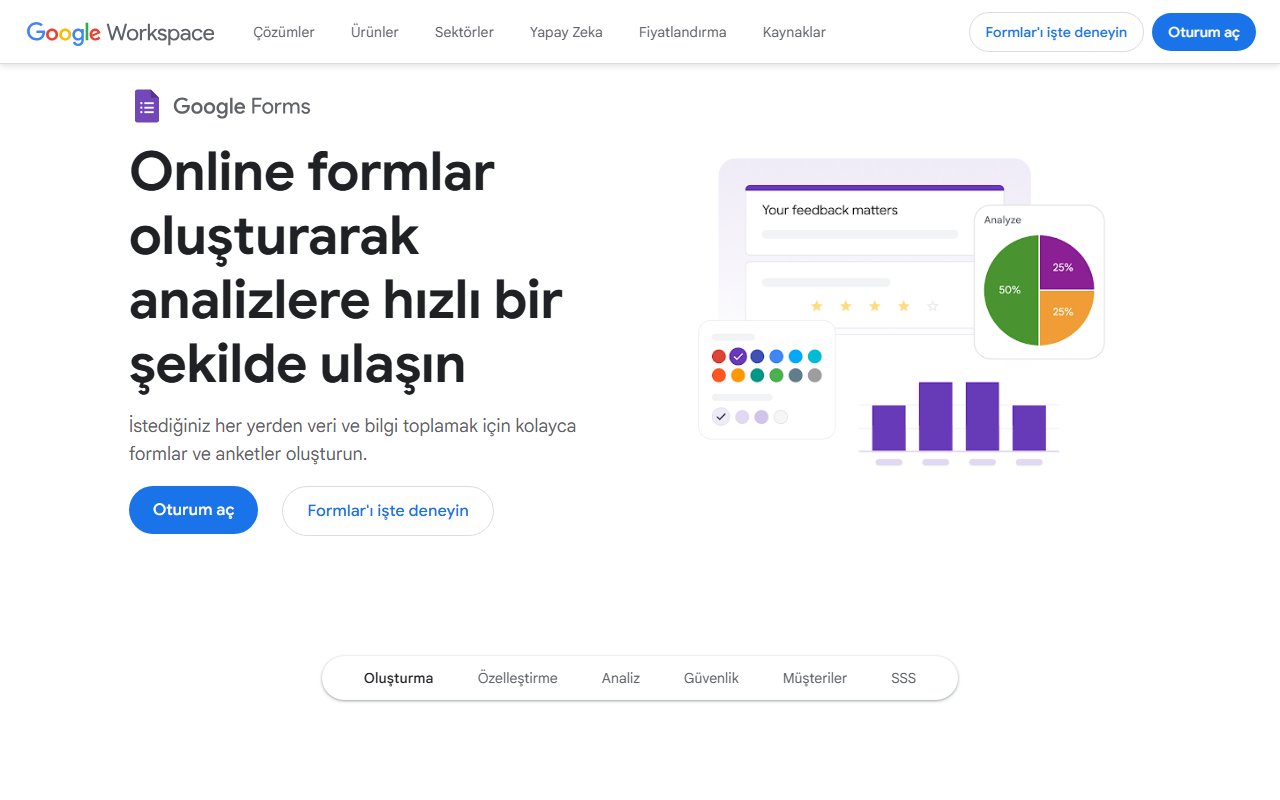
Figure: Google Forms product page (May 2026).
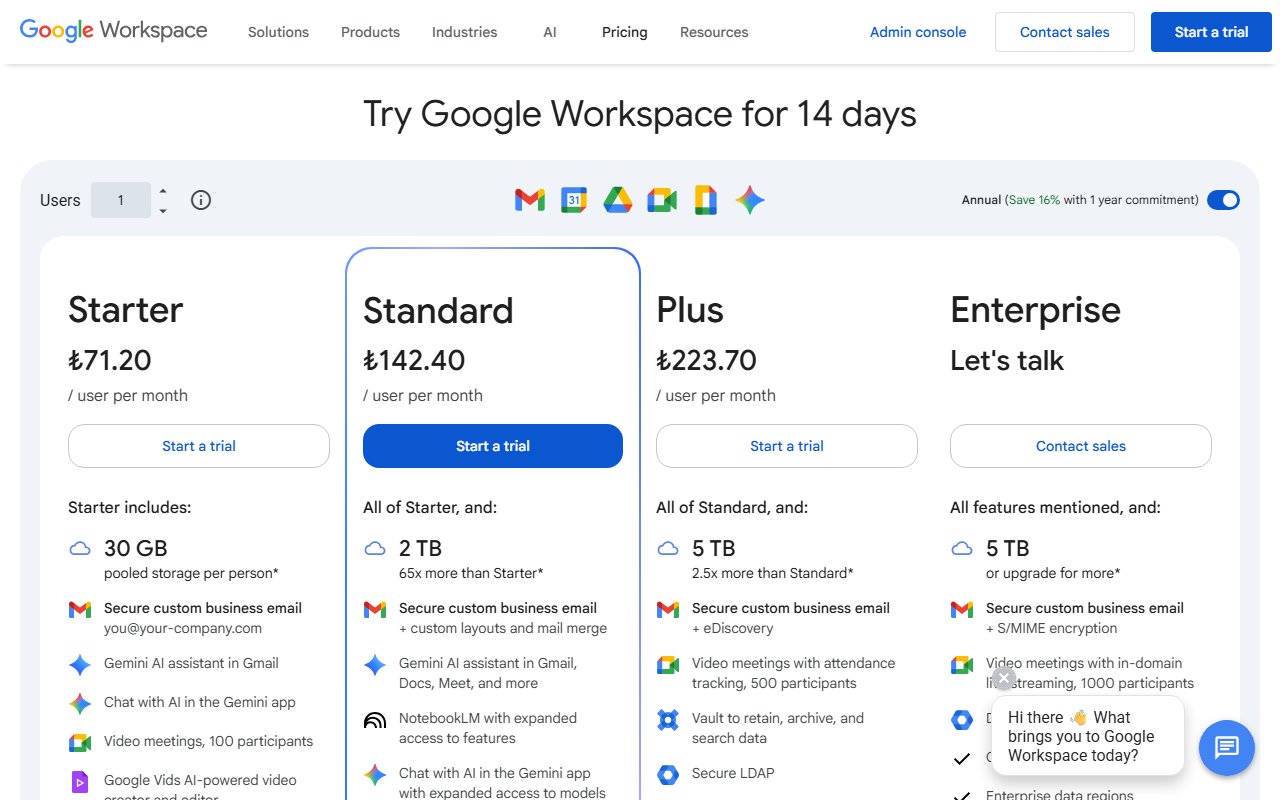
Figure: Google Workspace pricing (May 2026). Forms is included; advanced features may need paid Workspace.
Order form fit: Adequate for internal lunch orders or volunteer signups. Weak for card-present checkout without add-ons.
Pros: Free with Google account, easy sharing, Sheets destination.
Cons: Limited payment native support, basic design, not ideal for public ecommerce brand experiences.
Typical use: Office lunch order form style internal collection.
5. Microsoft Forms
Best for: Organizations standardized on Microsoft 365.
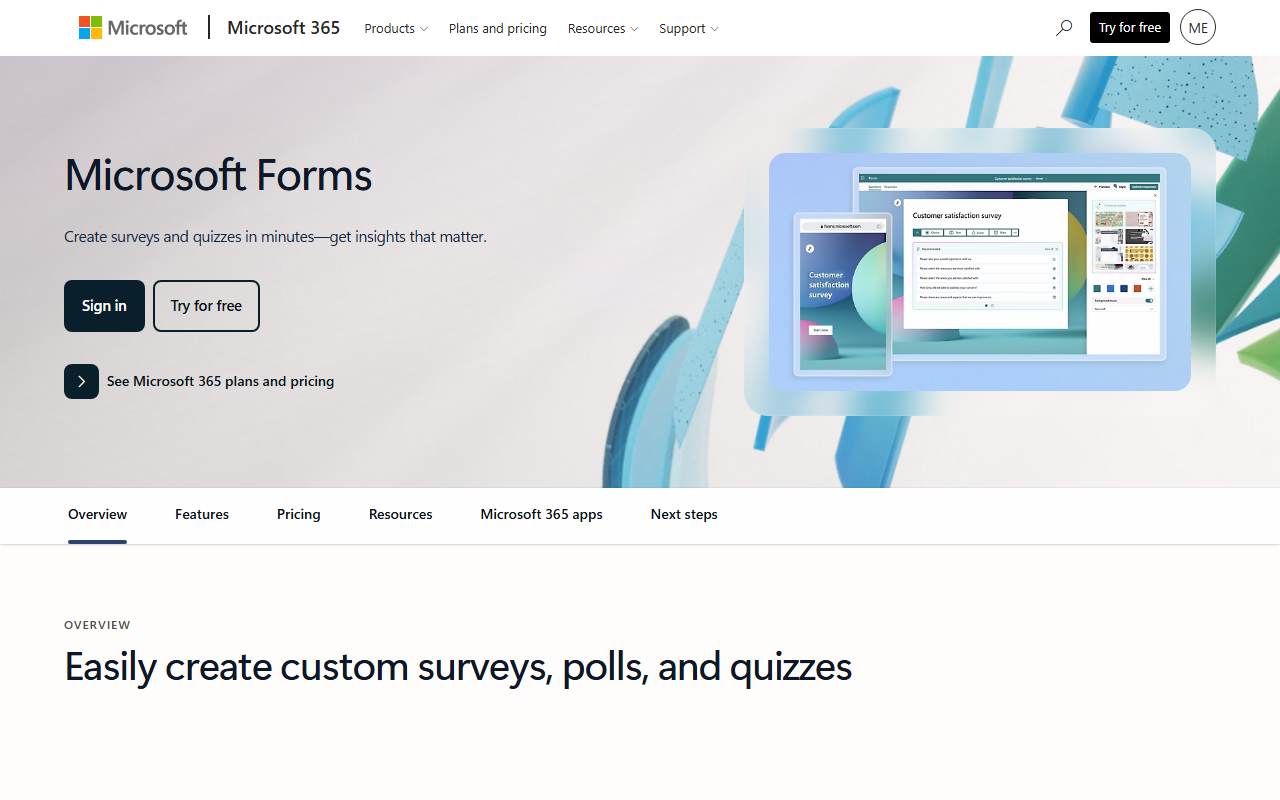
Figure: Microsoft Forms marketing page (May 2026).
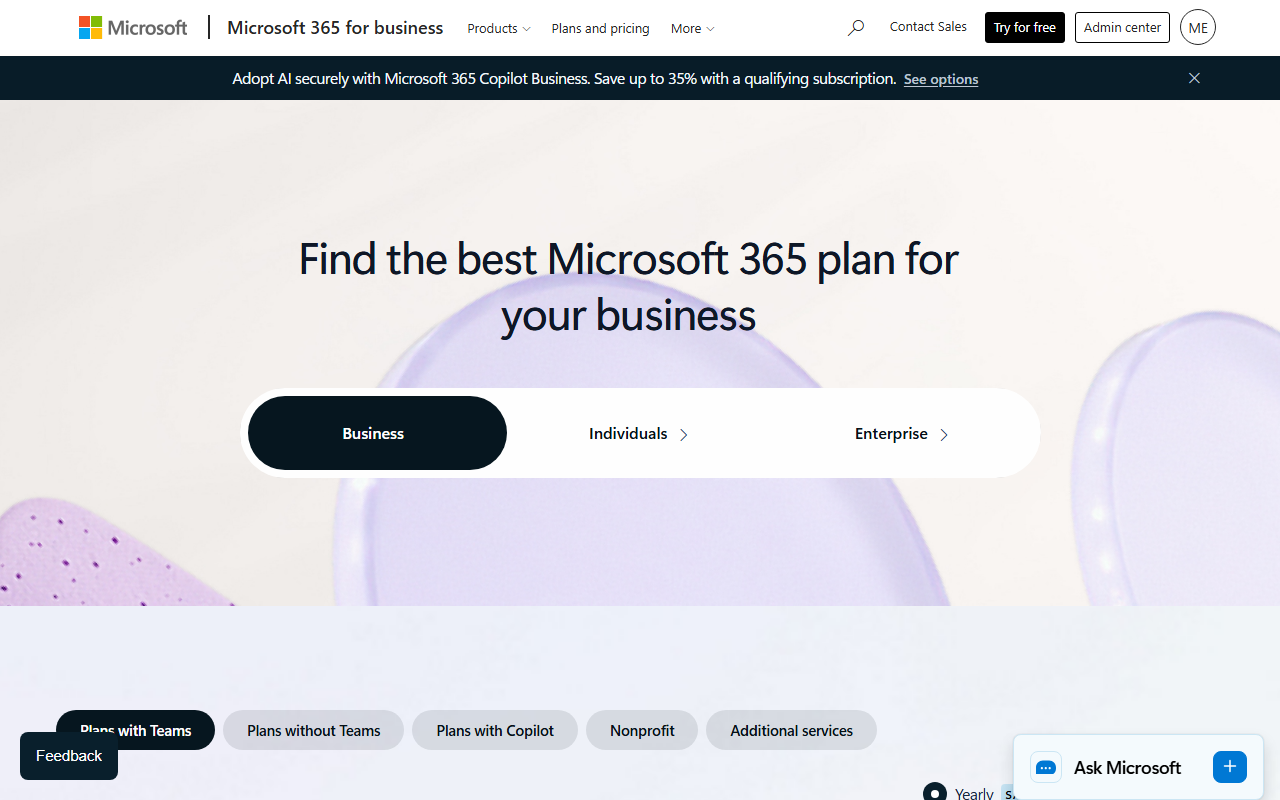
Figure: Microsoft 365 plan comparison (May 2026).
Order form fit: Collect orders inside the company; use Power Automate to push rows to Excel, Dataverse, or Dynamics.
Pros: Included in many M365 licenses, SSO, compliance inheritance from tenant settings.
Cons: Not a consumer checkout replacement; external ecommerce usually needs Power Pages or third-party cart.
Typical use: Uniform orders across departments with approval in Teams.
6. Wufoo
Best for: Straightforward paid forms when you want predictable basics without enterprise sales calls.
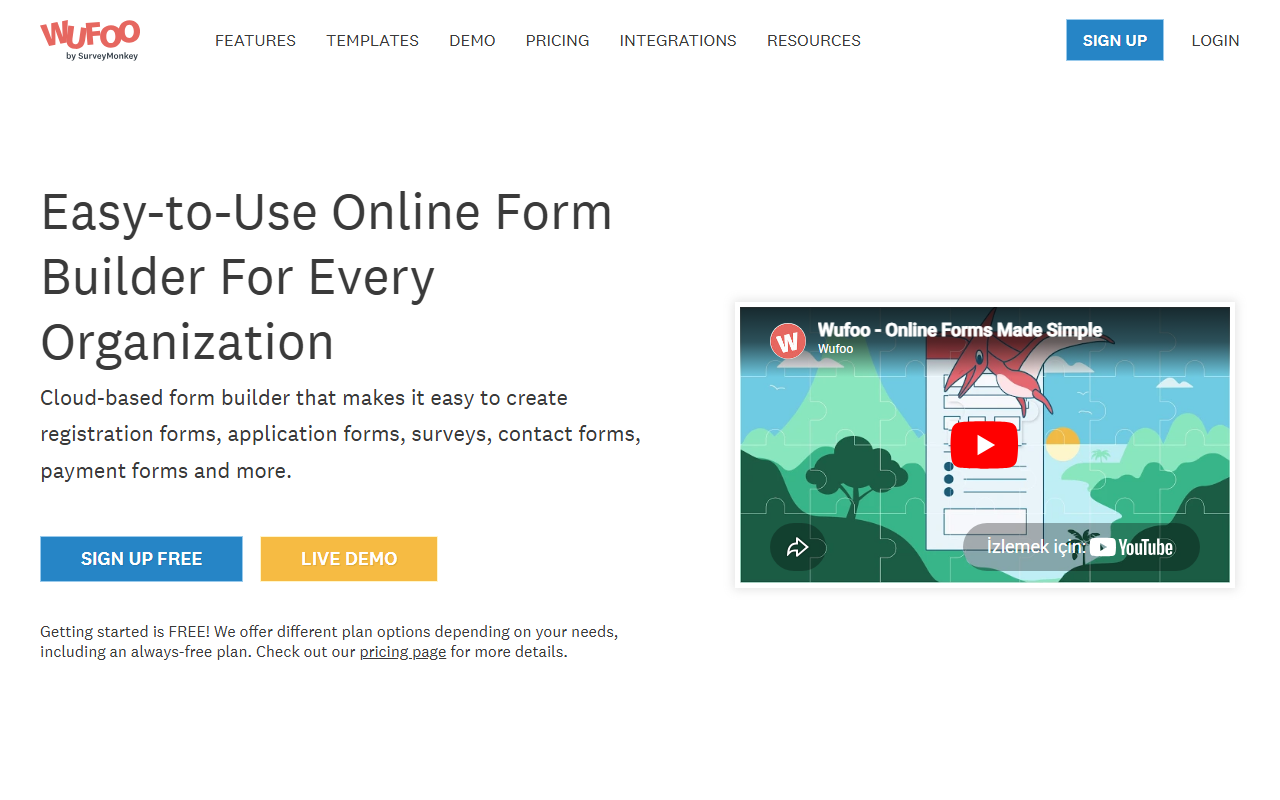
Figure: Wufoo homepage (May 2026).
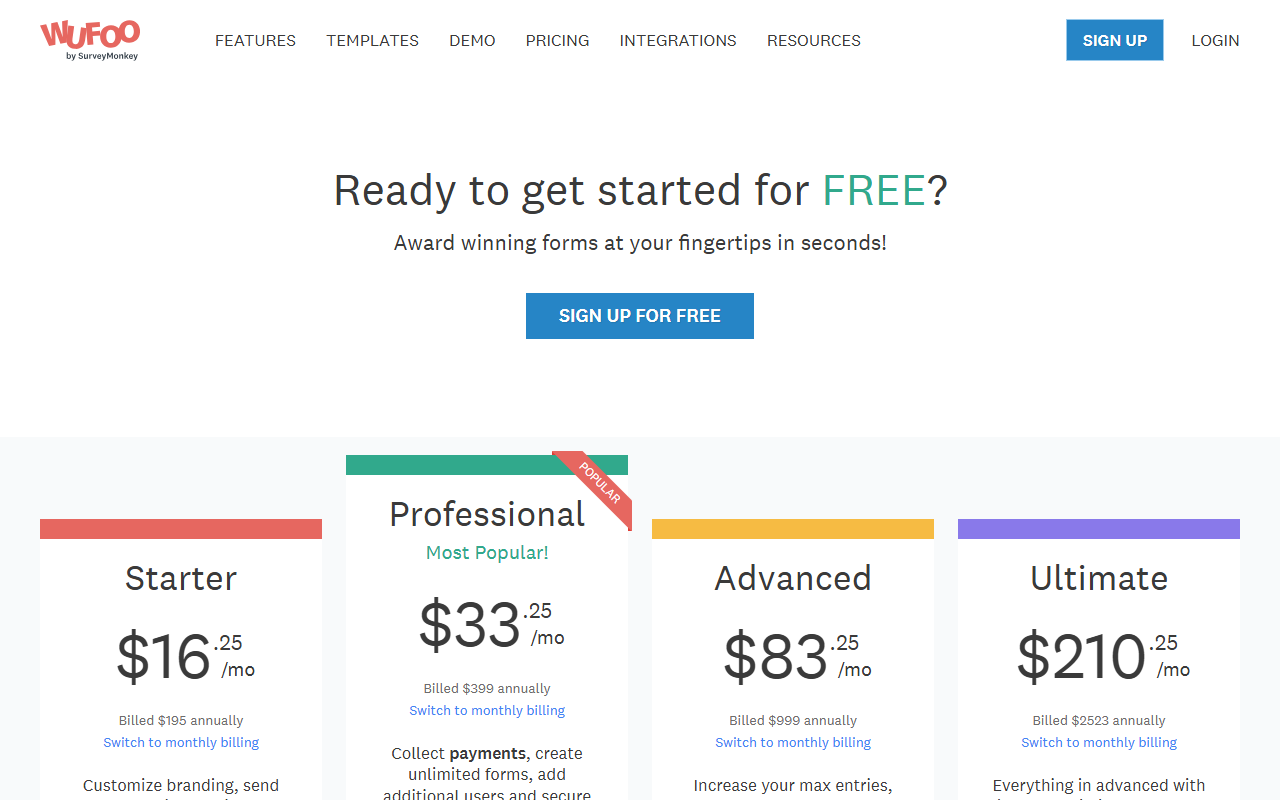
Figure: Wufoo pricing page (May 2026).
Order form fit: Handles standard contact + line item + payment flows; less flashy than Typeform or Paperform.
Pros: Mature product, payment support, rules and reporting.
Cons: Interface feels older; parent company (SurveyMonkey) pushes other products.
Typical use: Local service businesses upgrading from paper printable forms.
7. Formstack
Best for: Compliance-sensitive teams (healthcare adjacent catering, finance) needing audit trails and advanced security.
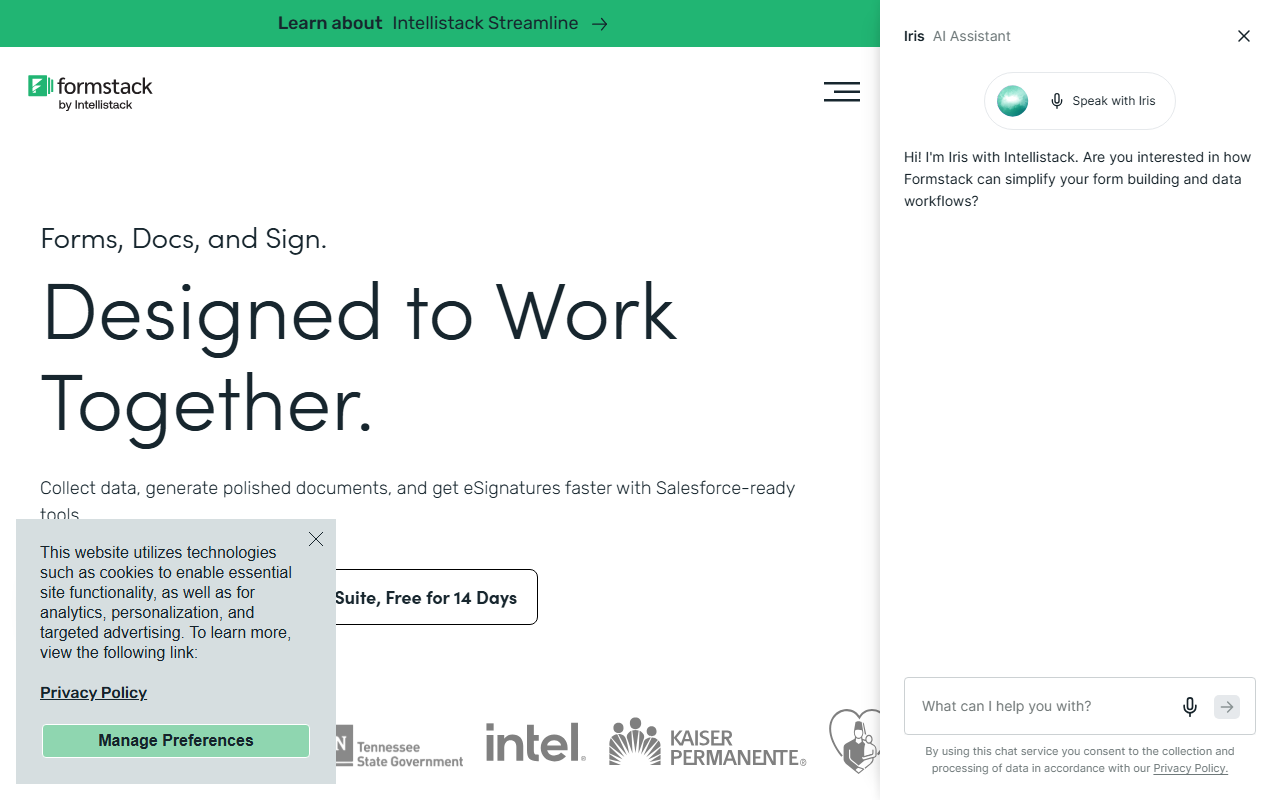
Figure: Formstack homepage (May 2026).
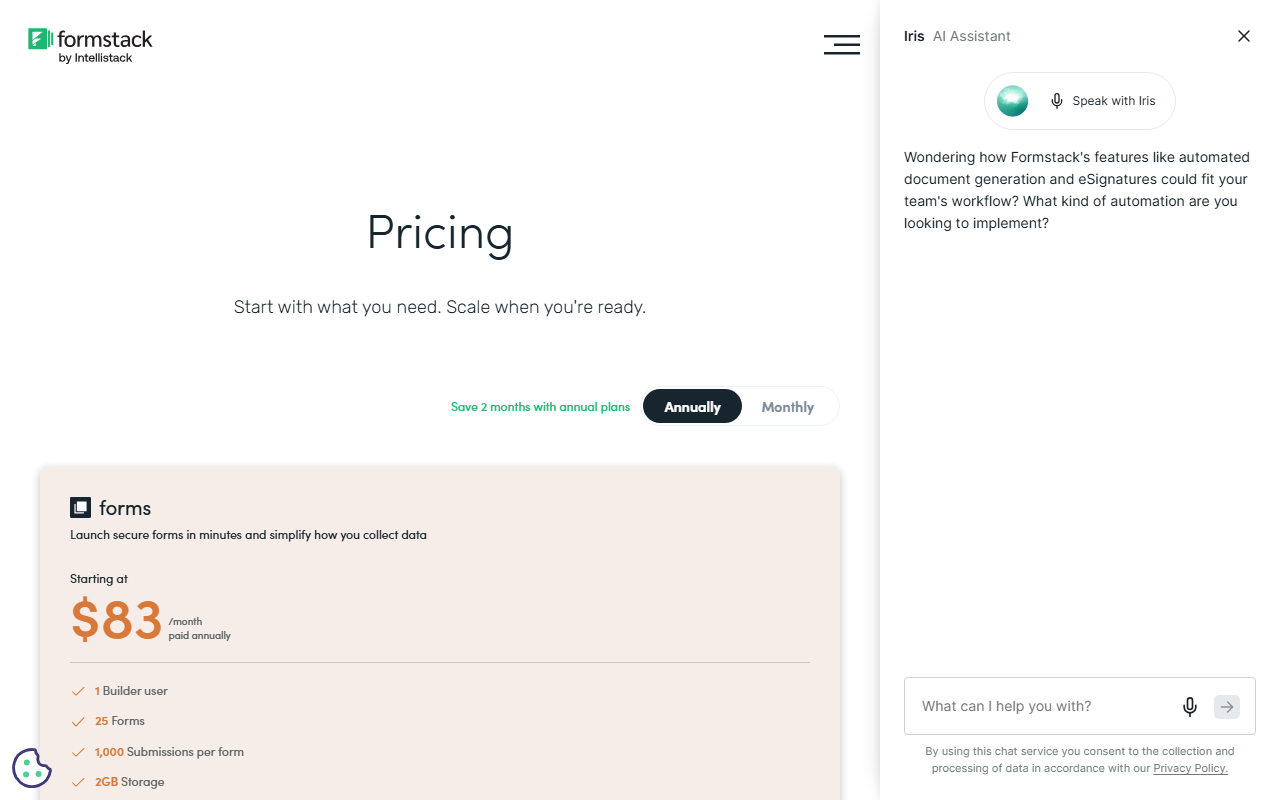
Figure: Formstack pricing page (May 2026).
Order form fit: Strong when orders trigger document signing or multi-step approvals.
Pros: Security certifications, Salesforce integration, document workflow suite.
Cons: Price and complexity exceed needs for a one-page bake sale form.
Typical use: B2B onboarding plus order capture in one workflow.
8. Cognito Forms
Best for: Calculated orders (quantity breaks, dynamic totals, deposits) without leaving the form editor.
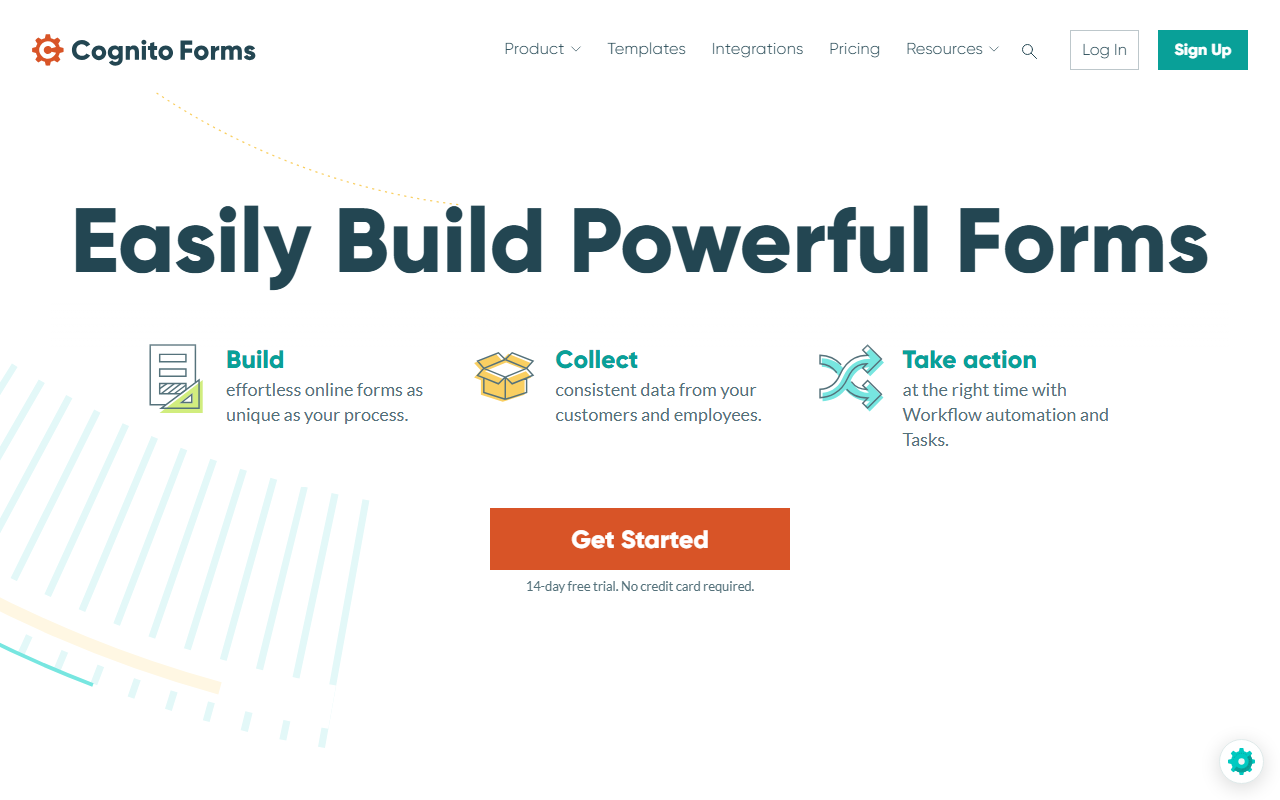
Figure: Cognito Forms homepage (May 2026).
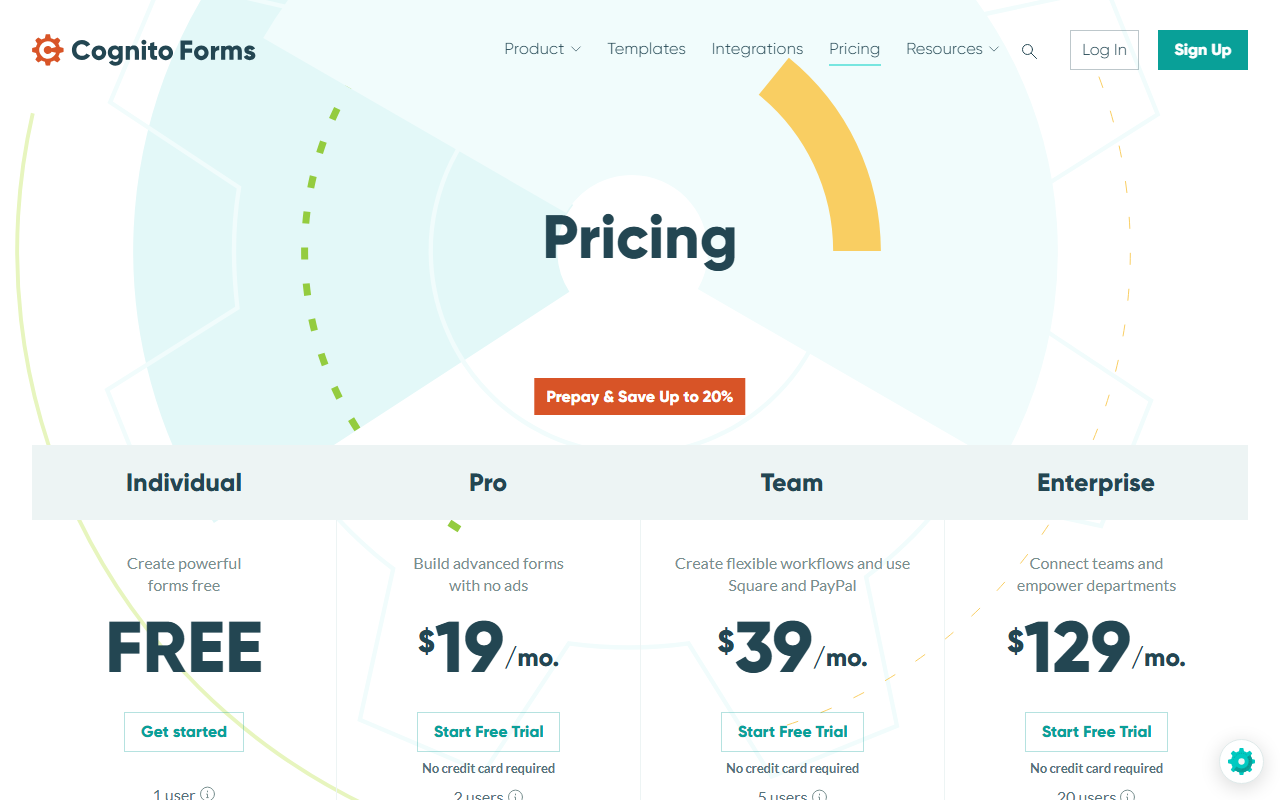
Figure: Cognito Forms pricing page (May 2026).
Order form fit: Excellent when line totals, tax, or shipping depend on answers.
Pros: Powerful calculations, payment support, Microsoft and webhook integrations.
Cons: Steeper learning curve than drag-only tools; plan entry limits carefully.
Typical use: Wholesale order forms with tiered pricing tables.
9. 123FormBuilder
Best for: Teams that want EU hosting options and alignment with our third-party template links.
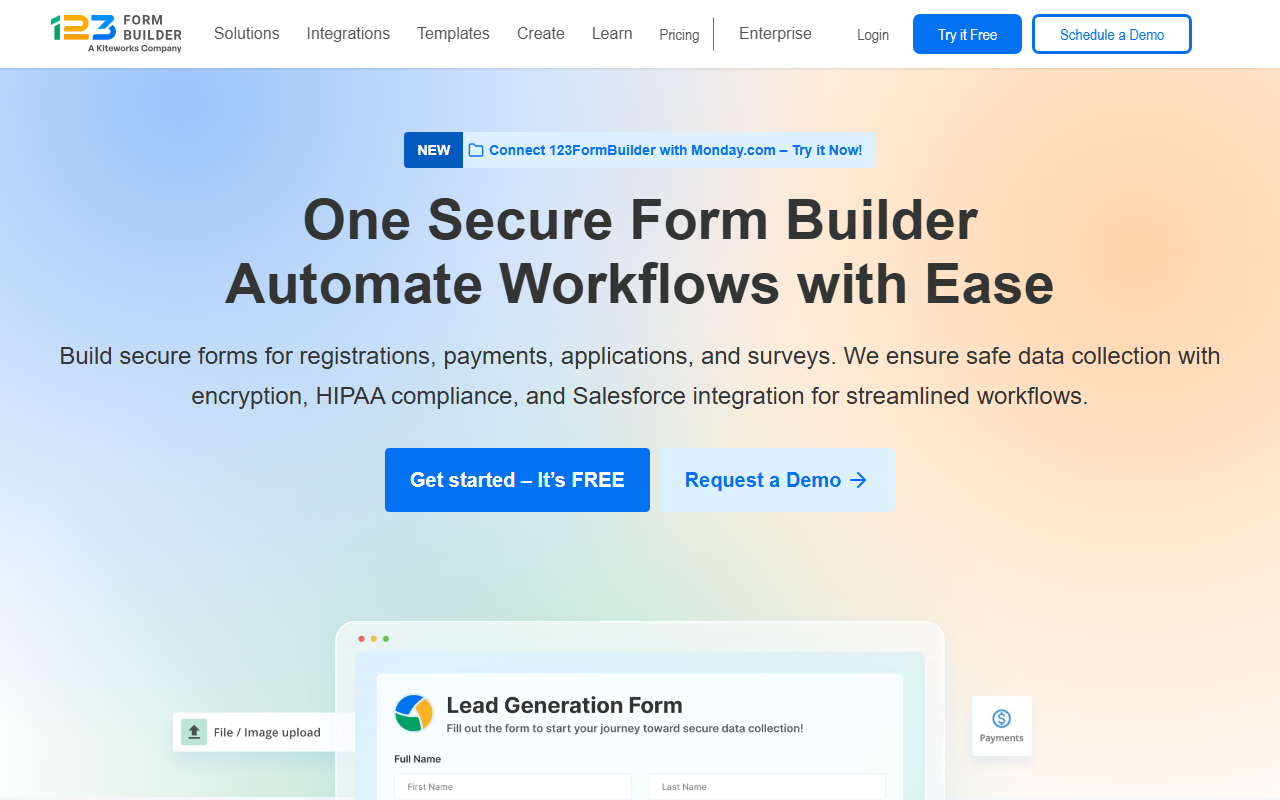
Figure: 123FormBuilder homepage (May 2026).
Figure: 123FormBuilder pricing page (May 2026).
Order form fit: Matches our 123FormBuilder external links on many template detail pages.
Pros: Order template gallery, payments, integrations (Salesforce, etc. on higher tiers).
Cons: Busy admin UI; compare submission caps across plans.
Typical use: European small businesses cloning catalog orders from our catalog order form.
10. Paperform
Best for: Narrative product pages where the form reads like a landing page (story, images, then order block).
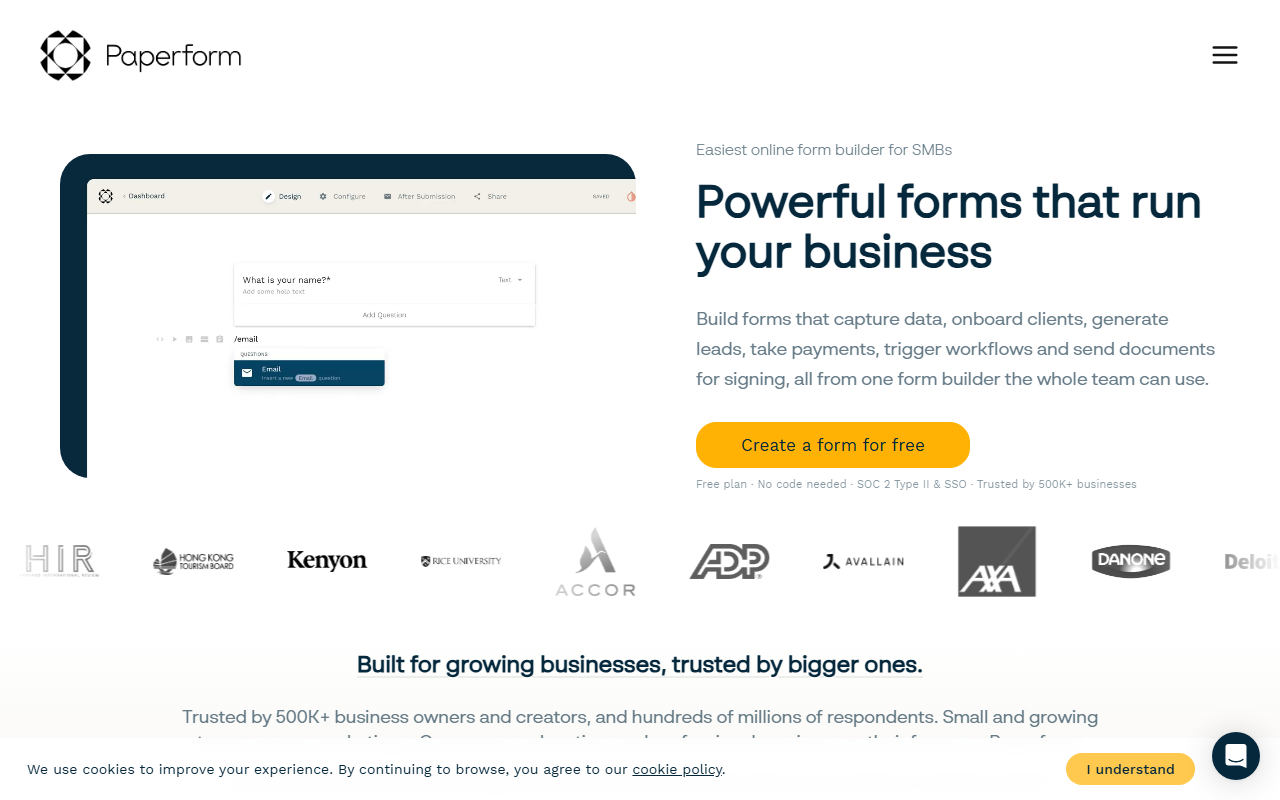
Figure: Paperform homepage (May 2026).
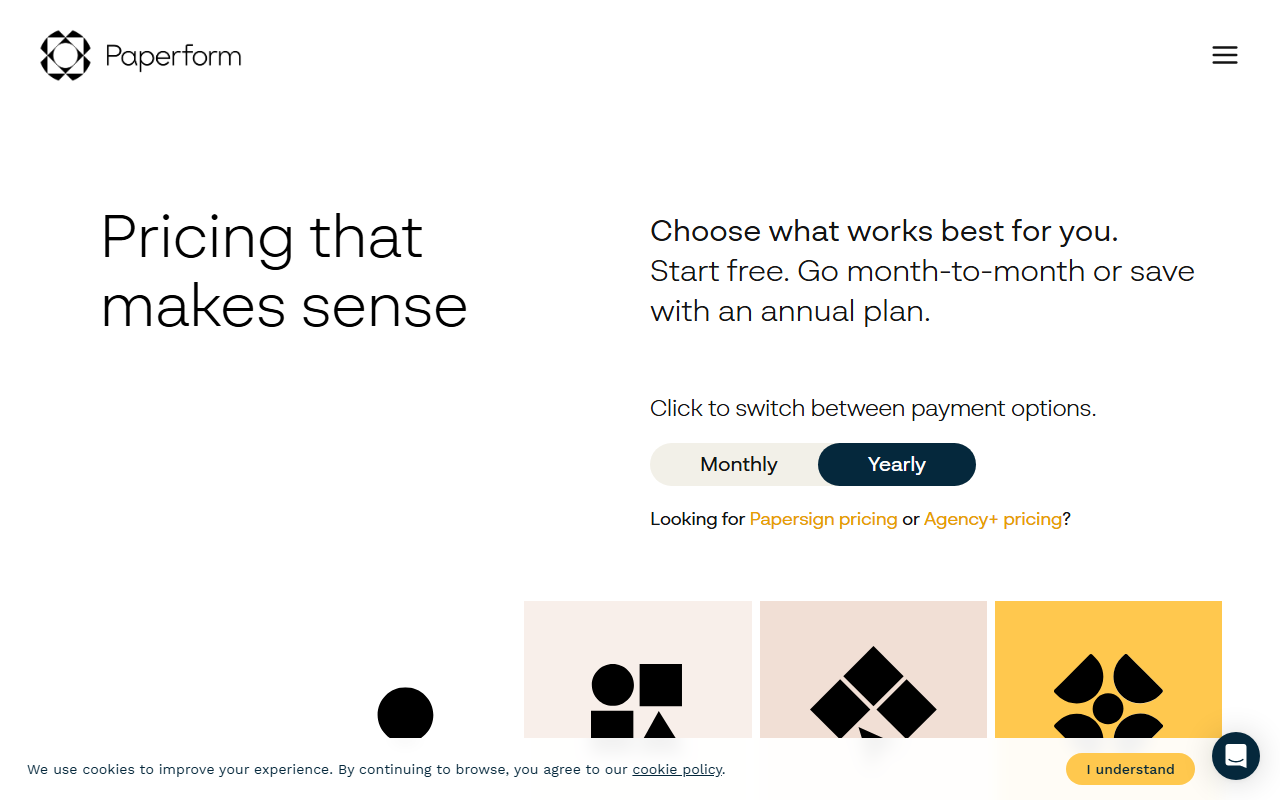
Figure: Paperform pricing page (May 2026).
Order form fit: Ideal for curated SKUs (wine club, meal box, workshop tickets) not giant SKU grids.
Pros: Design flexibility, payments, coupons, analytics.
Cons: Premium price per response tier; wide inventory grids are faster in Jotform or Cognito.
Typical use: Boutique pre-order campaigns with brand story.
How to pick in three decisions
1. Payments
| Need | Lean toward |
|---|---|
| Card checkout on the form | forms.app, Jotform, Cognito, Paperform |
| Invoice later / PO | Google Forms, Microsoft Forms, PDF printable |
| Deposits and split pay | Cognito Forms, Jotform |
2. Catalog complexity
| Catalog size | Lean toward |
|---|---|
| 1 to 5 products | Typeform, Paperform |
| 6 to 40 SKUs | forms.app, Jotform, 123FormBuilder |
| Dynamic pricing rules | Cognito Forms |
3. Systems integration
| Destination | Lean toward |
|---|---|
| Google Sheets only | Google Forms |
| Excel / Teams / SharePoint | Microsoft Forms + Power Automate |
| Salesforce CRM | Formstack, Jotform enterprise |
| Webhook to custom app | Any paid tier with webhook support |
Document your choice in the setup guide checklist before you customize fields.
Pair tools with templates (our workflow)
- Pick a category on Order Form Templates (food, t-shirt, etc.).
- Open a template such as ecommerce product order form.
- Clone via linked provider or download printable PDF/DOCX.
- Trim fields using essential order form fields.
- Run GDPR review if EU customers exist (GDPR tips).
Screenshot methodology
Screenshots were captured at 1280×800 viewport using Playwright (scripts/capture-blog-tool-screenshots.mjs). Cookie banners may appear in some images; they reflect real public pages at capture time.
Summary recommendations
| Scenario | Top pick |
|---|---|
| Product listings | forms.app |
| Lowest cost | Google Forms |
| Microsoft shop | Microsoft Forms |
| Heavy calculations | Cognito Forms |
| Compliance and documents | Formstack |
| Brand experience | Typeform or Paperform |
| Offline backup | Our PDF/DOCX downloads |
No single tool wins every order type. Match software to payments, catalog size, and integrations, then invest testing time in field design rather than logo colors.
For launch steps, continue to step-by-step order form setup. For B2B paperwork after the form submits, read invoice vs purchase order.